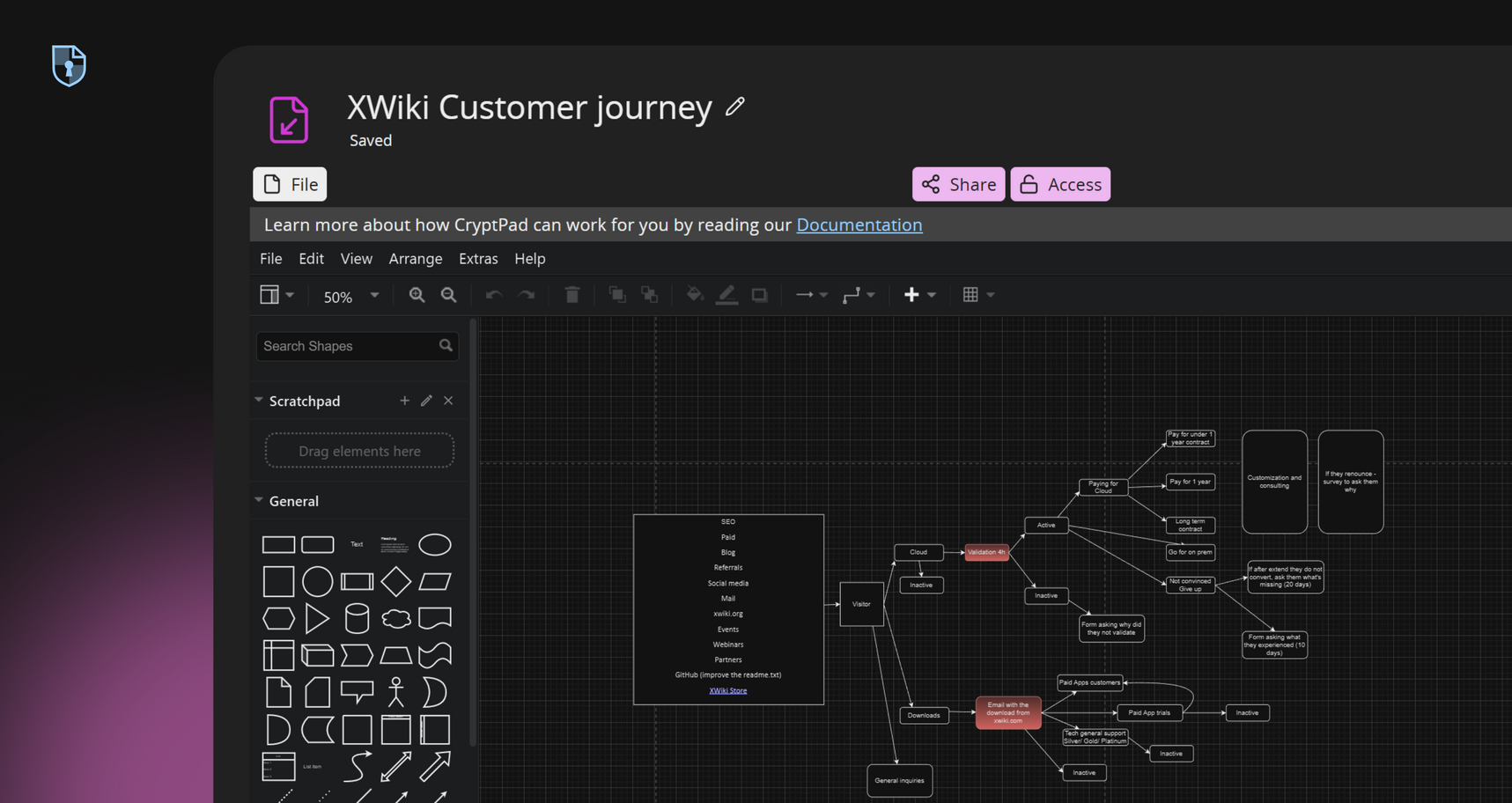
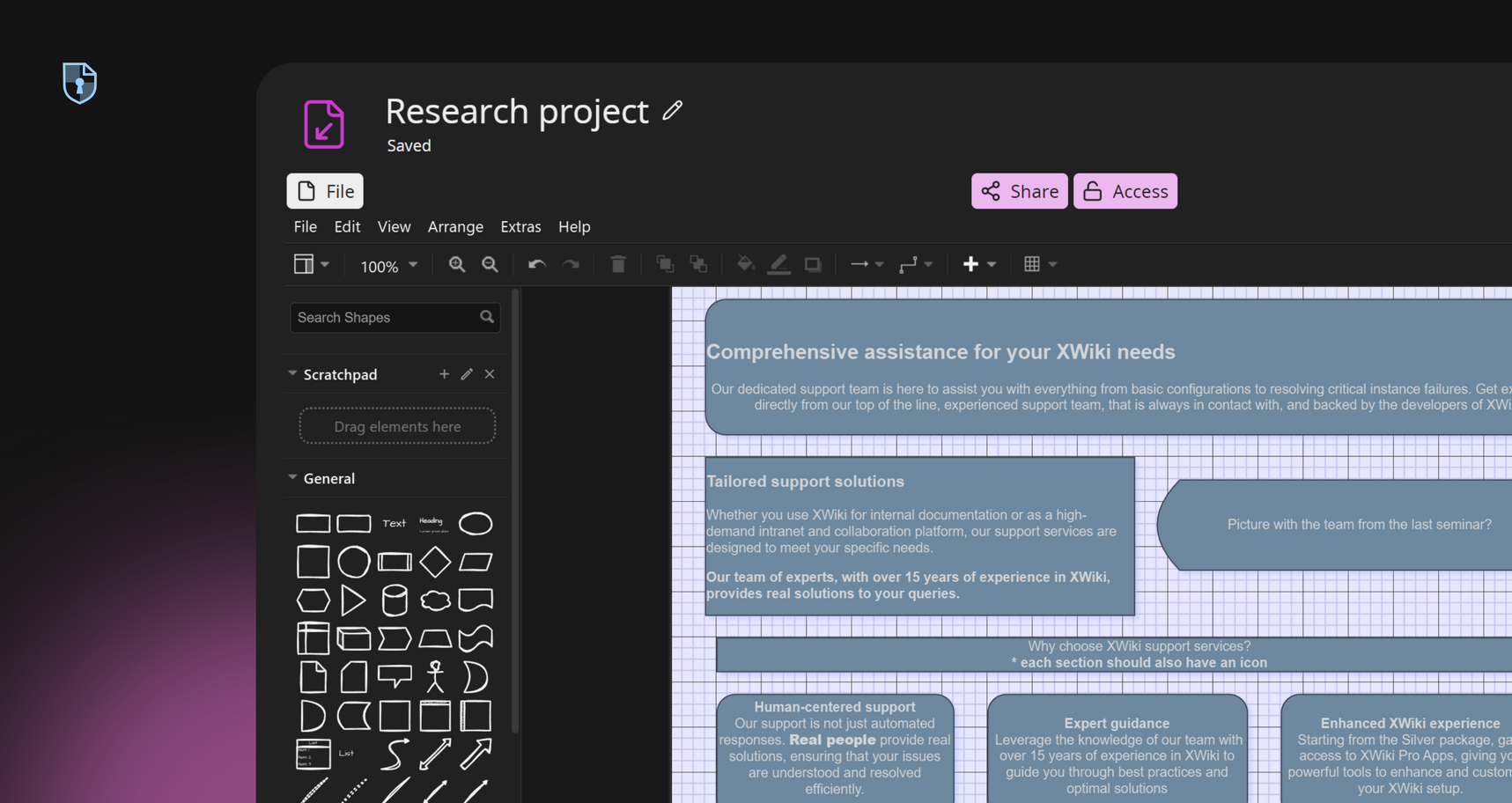
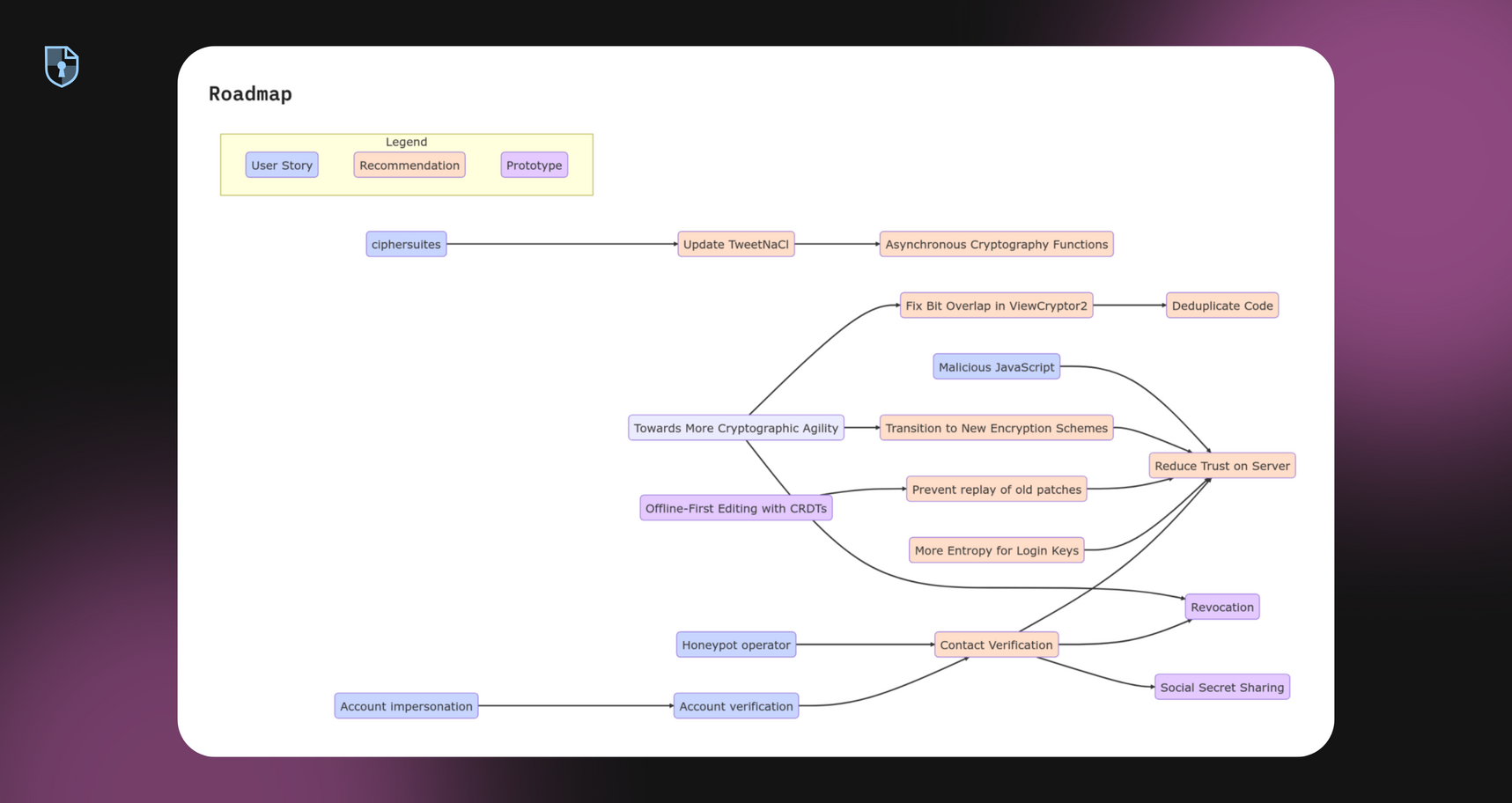
CryptPad Diagram is the collaboration diagram tool for secure mind-mapping, flowcharts, whiteboard, and more.
Try DiagramDownload your diagrams in .png, .jpg, .svg, or .pdf formats for easy sharing and offline access.
Multiple users can co-edit the same diagram simultaneously, with visible cursors and synced changes.
Collaborate on everything from quick brainstorms to complex IT infrastructure plans, with the confidence that your data stays secure.
Draw.io comes with hundreds of shapes built in. Create flowcharts, mind maps, network diagrams, UML diagrams, and more using extensive shape libraries.
Work simultaneously with colleagues or students, seeing edits as they happen.
Leverage a user-friendly design based on draw.io, making the transition seamless for new users.
No installations required. Access and edit your diagrams from any device with a web browser.
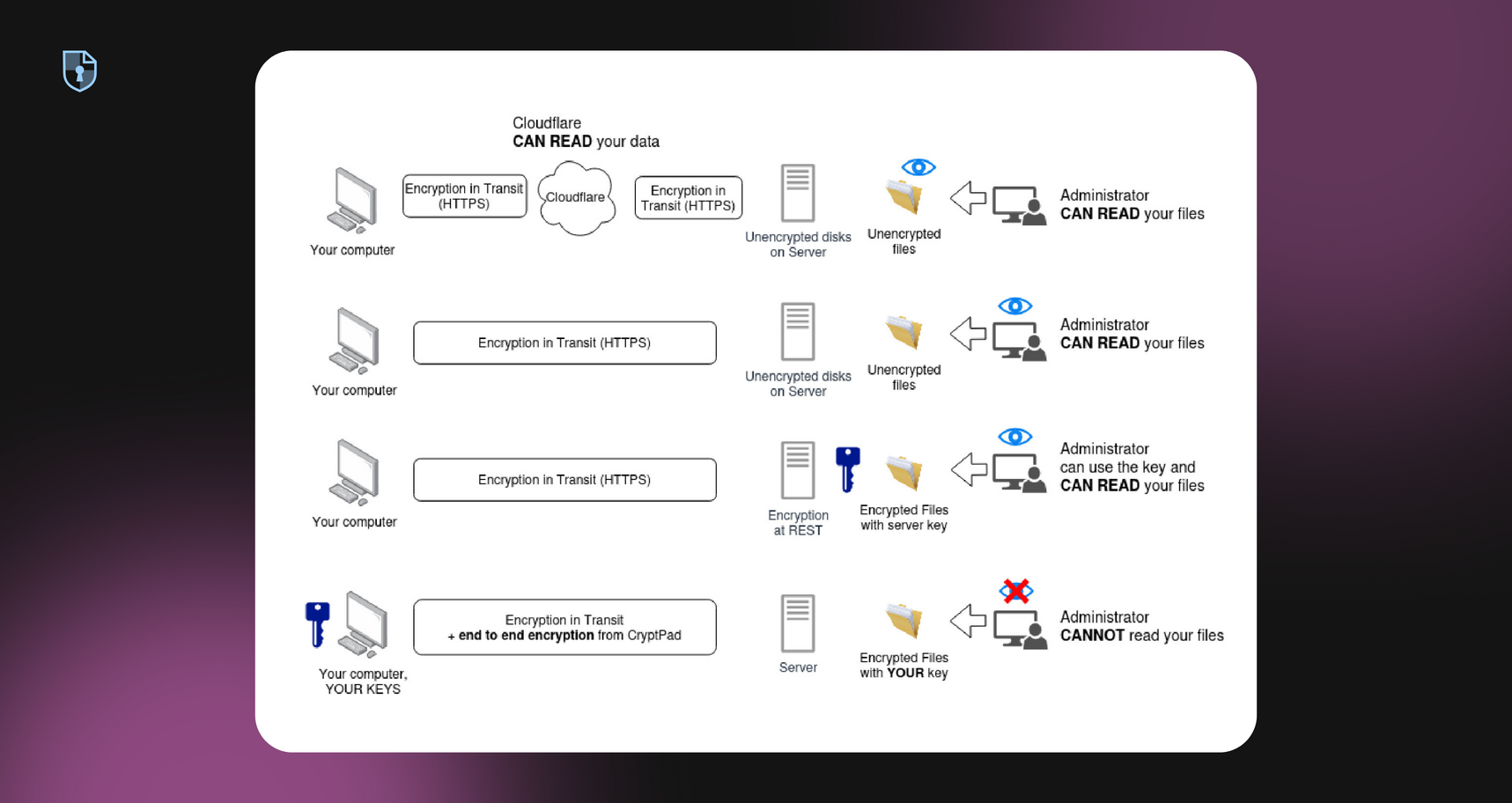
Ensure your diagrams remain confidential; only you and your collaborators can access the content
Visualize complex data structures, experimental workflows, and theoretical models securely. Ideal for collaborative research projects requiring strict confidentiality.
Map out project timelines, workflows, and organizational charts. Enhance team coordination with clear, real-time visual planning tools.
Develop and share educational materials like concept maps, process diagrams, and interactive visuals. Facilitate collaborative learning in a secure environment.
Design and review technical schematics, system architectures, and process flows. Maintain data integrity and confidentiality throughout the engineering lifecycle.
Subscribe for more space and bigger uploads while your diagrams stay encrypted by default.
Subscribe on cryptpad.frFrom brainstorming to system design, diagrams are essential for clarifying ideas. CryptPad lets you create a tree diagram, flowchart, mind map, or workflow using an intuitive interface and an extensive draw.io templates library. Built for secure teamwork, every collaborative diagram you create is end-to-end encrypted, so only you and your chosen collaborators can access it.If you're looking for a collaborative diagram tool that respects user privacy while enabling efficient planning, CryptPad Diagram delivers a dependable solution for every team.
We asked users what they love about Diagram
We can have an open-source suite of collaboration tools that respects privacy not like Google.
Amaury LUCCHINI
The privacy! It functions well. It's easy to use. I'm not worried about my data being shared. Also I appreciate that I can use it without subscribing via an email. That's one of my favourite aspects. Also there are many types of files available which I love!
Elise
For me cryptpad is the all in one solution for office, cloud and encryption. It also comes with intuitive handling. Its simply my all in one tool. The option, to use the free version within all features is just great. Many thanks to all the developers and the whole team.
Antje
I love that it has many editors and that it is real-time collaboration.
David
You won't find a Shared Document Service that is more easily accessible and also works encrypted and anonymous than the CryptPad service. If you happen to work with people from various organizations or companies it's always a hazzle finding a shared working space that does it for all participants. Fire up CryptPad and you're ready to go.
Magnus Rembold - munterbund, LudwigsKlima, AspergAnders, KlimalisteBW
It just works! And it works much better than its closest commercial competitor, google docs. I have no misgivings whatsoever whenever I propose to use it. Also, it was easy to set up an own instance.
Nils Erik Flick - Hamburg Werbefrei, popular initiative aimed at reducing aggressive advertising in public spaces.
Other apps:
Code/Markdown Document Form Kanban Presentation Rich Text Sheet