CryptPad Document is a privacy-first Microsoft Word and Google Docs alternative that allows you to create and collaborate in real time.
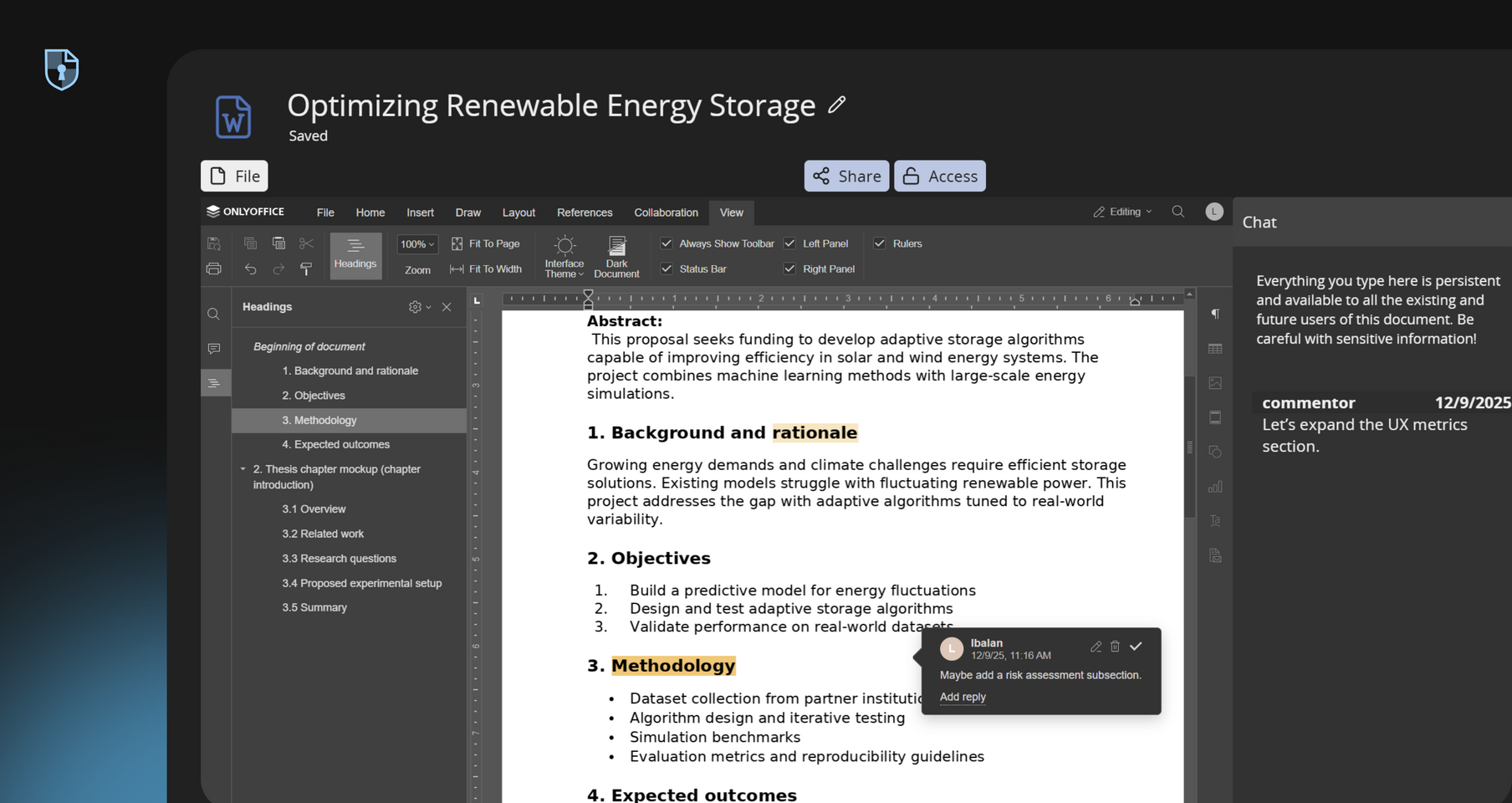
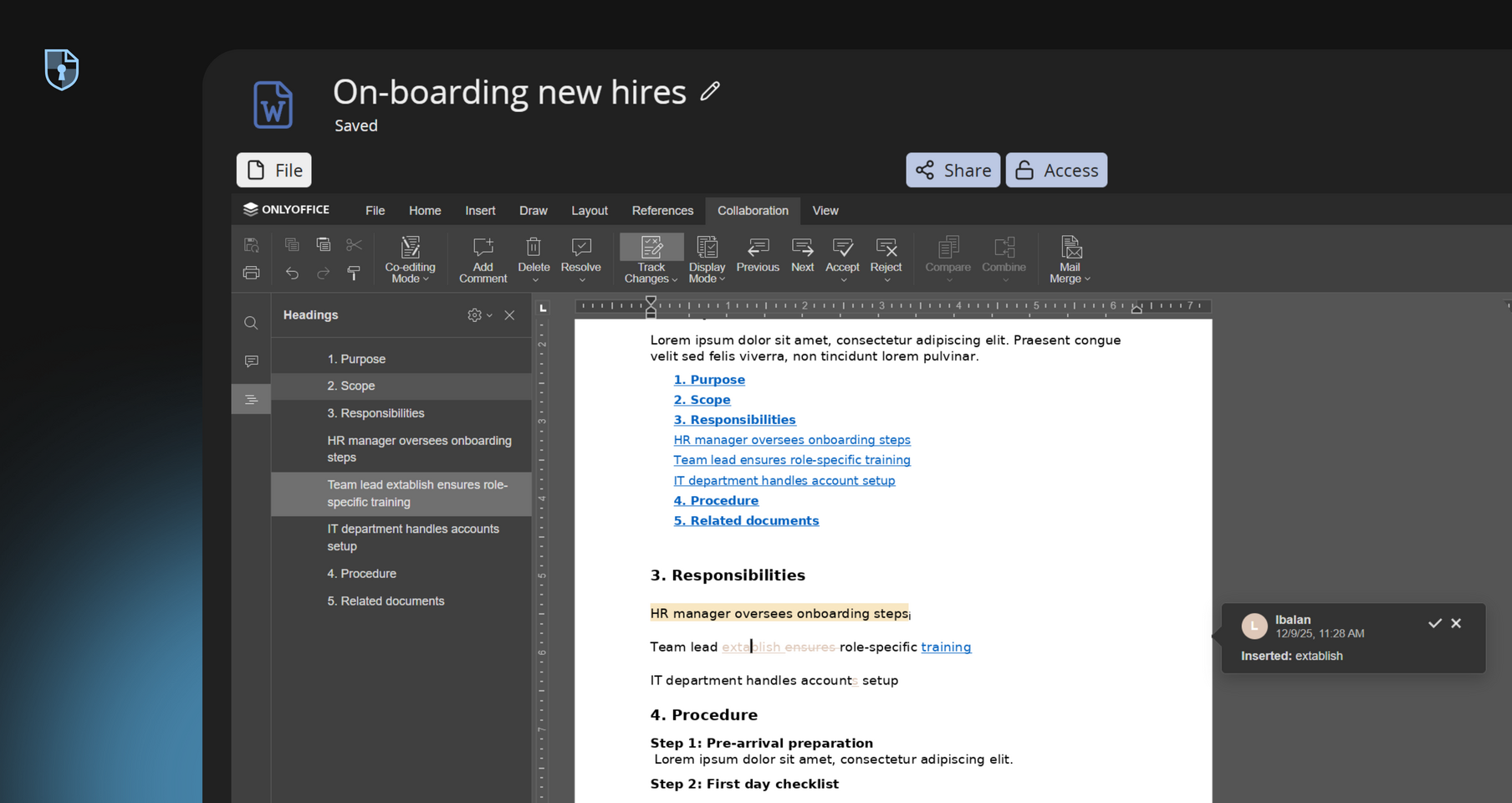
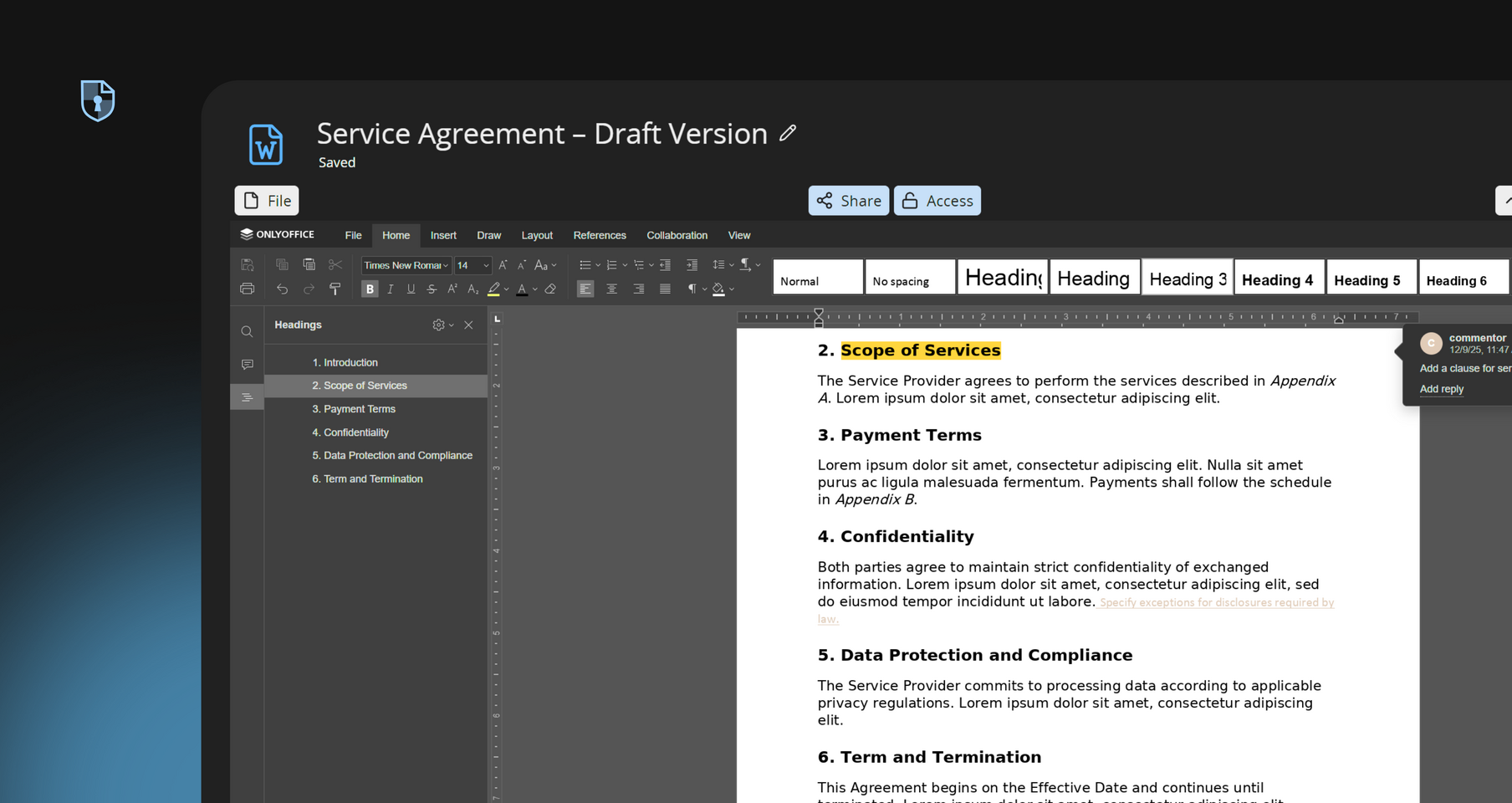
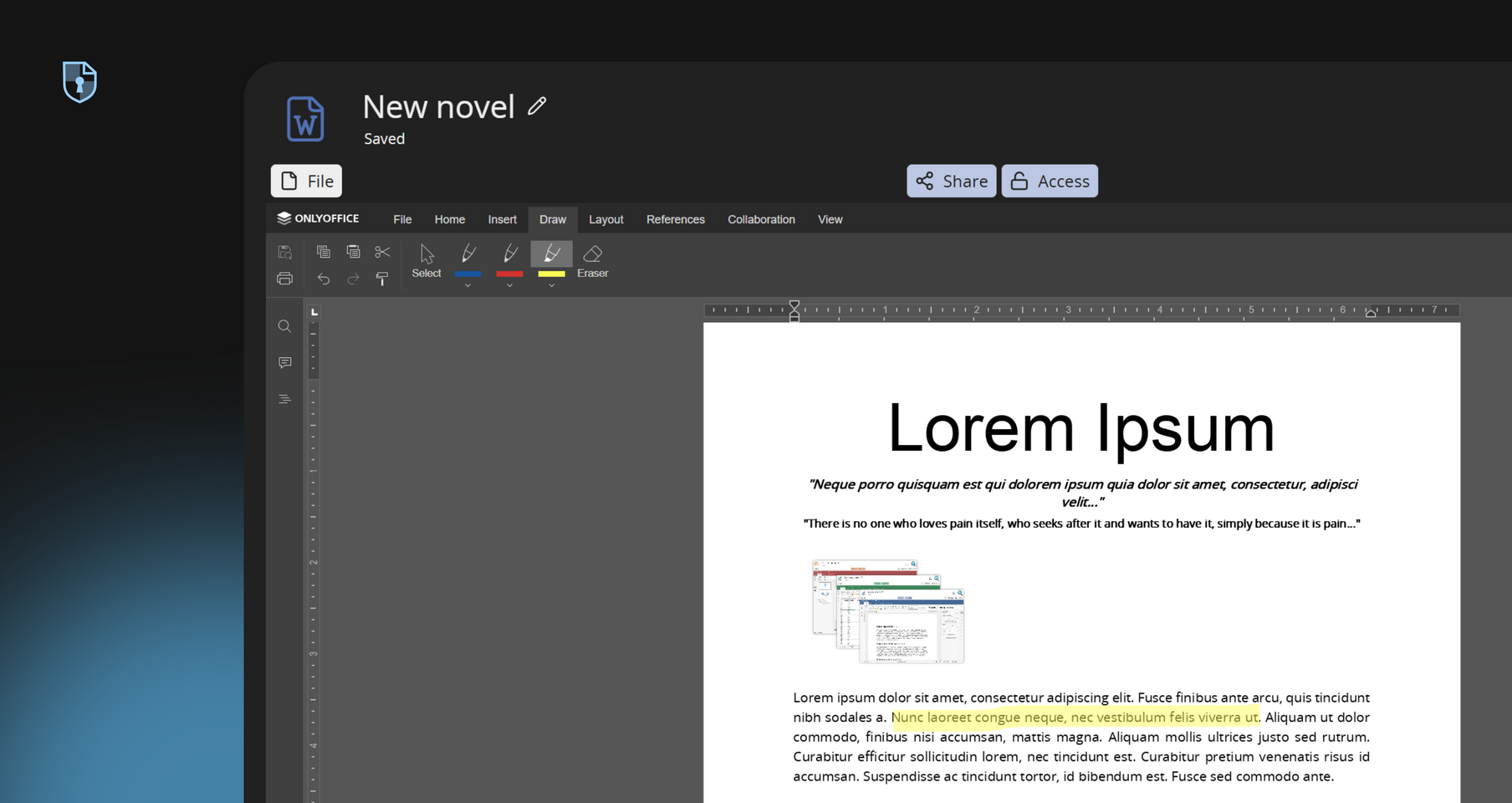
Try DocumentCryptPad Document offers everything you could expect from an advanced text editor: styles, formatting, tables, comments, track changes, and more.
CryptPad auto-saves every edit as you type, there is no risk of losing work. The interface even shows a “saved” status when changes are stored. All changes are versioned in a history log, so you can browse back through earlier draft versions or create named snapshots.
Built for modern, distributed collaboration, CryptPad is one of the best free collaboration tools for remote teams.
Switch between Fast mode for live co-editing and Strict mode for controlled editing with undo support — ideal for balancing speed with precision in collaborative writing.
Choose between Fast Mode for instant updates or Strict Mode with undo support. Work simultaneously on the same document with teammates, students, or partners.
As a privacy-first document editor app, all text is encrypted on your device before it leaves the computer and reaches the server. Choose who can edit, view, or comment.
CryptPad Document is a document editor app that mirrors the experience of traditional word processors, so there's no learning curve. If you've used Microsoft Word or Google Docs, CryptPad's interface will feel instantly natural.
CryptPad never tracks you or monetizes your documents. It's a collaboration and productivity tool, not a surveillance product. You control who accesses your work, and sharing is done via secure, permission-aware links.
CryptPad Document offers a privacy-focused alternative to traditional word processors. Its real-time collaboration features enable multiple authors to co-write and edit manuscripts, grant proposals, and academic papers simultaneously.
Use CryptPad Document as a Microsoft Word alternative to create and manage internal documentation, such as standard operating procedures, policy manuals, and project reports.
With end-to-end encryption, attorneys and legal teams can draft, edit, and review contracts, agreements, and case files in real time, ensuring client confidentiality and compliance with data protection regulations.
Writers and creative teams can utilize CryptPad Document to collaboratively develop novels, scripts, and other creative works.
Subscribe for more space and bigger uploads while your drafts stay encrypted by default.
Subscribe on cryptpad.frCryptPad Document is an alternative document editor app built for users who need a secure, collaborative space to write and edit online, without compromising privacy. This Microsoft Word alternative includes styles, formatting, tables, and comments, all accessible from a clean, tabbed interface. The encryption key never leaves your control. When data reaches our servers, it remains encrypted, and even our administrators cannot read your files because we don't have the keys.
We asked users what they love about Document
Free account for Educational Anonymity and ease of use Work on shared documents in real time Sharing and linking is easy
Roman Stalla - Middle School
I love the ease of use of CryptPad, that I have all my documents organized in one place and the possibilities for collaboration. New documents are available in an instant for other team members and I can invite others to my documents without the need for third party communication and thus compromising the privacy of the documents.
Adrian - Piratenparty of Germany (Political Party)
When I want a document that others can view and comment on or edit, I fire up cryptpad and create one. I care too much about privacy to use google drive, cryptpad makes it easier.
Speaker Twenty Two
Whenever I use cryptpad, I can be assured that no one unauthorized will ever read my documents. Every web service should be built like CryptPad.
Marco
You won't find a Shared Document Service that is more easily accessible and also works encrypted and anonymous than the CryptPad service. If you happen to work with people from various organizations or companies it's always a hazzle finding a shared working space that does it for all participants. Fire up CryptPad and you're ready to go.
Magnus Rembold - munterbund, LudwigsKlima, AspergAnders, KlimalisteBW
Easy to use in every way. UI is intuitive. Anonymous. Plenty of storage space. Autosaving is a godsend. My largest document is 10k words and there's no lag. It's like Google Doc but better in every way. 10/10
Rat
Other apps:
Code/Markdown Diagram Form Kanban Presentation Rich Text Sheet