A markdown code editor built for teams, developers, and researchers who need real-time collaboration, rich syntax support, and rock-solid privacy.
Try Code/MarkdownIn addition to the basic lightweight syntax, CryptPad supports diagrams with Mermaid.js, mindmaps with Markmap, and mathematical equations with Mathjax.
View real-time rendering of your markdown content as you type, allowing immediate feedback and efficient editing. Share the double view or only the rendered preview.
Comprehensive selection of languages available to display code files. Adjust the editor's appearance to suit your preferences with a wide selection of themes.
Save your documents in various formats such as .md, .pdf, or .html, enabling easy sharing and integration with other platforms.
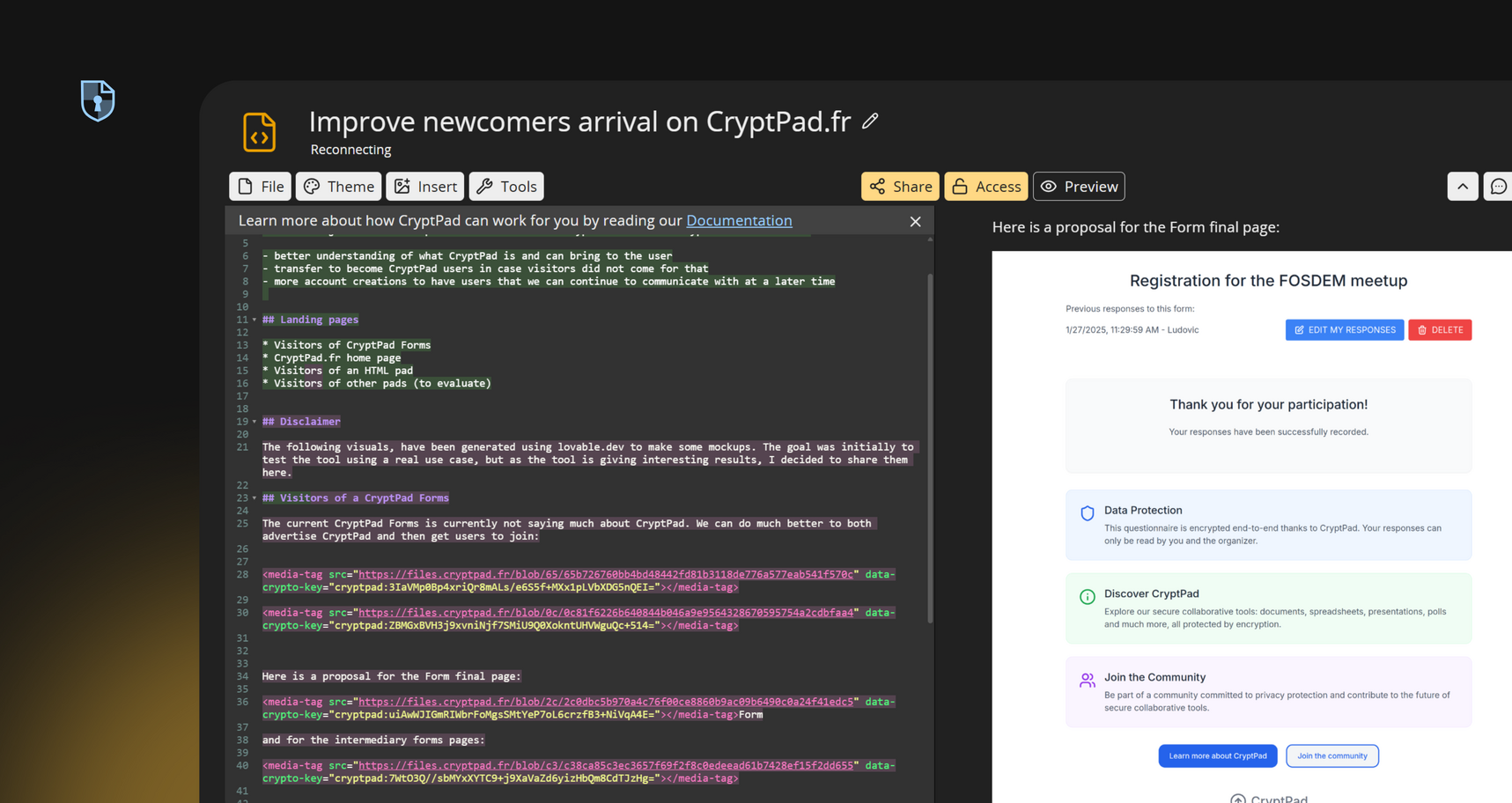
Work simultaneously with team members on Markdown documents, ensuring everyone stays on the same page.
Utilize full Markdown syntax to create well-structured documents. Incorporate mathematical expressions using LaTeX-style syntax, ideal for academic and scientific documentation.
Access your Markdown code editor directly from any modern web browsers, allowing you to work efficiently from any device, anywhere.
Track changes and revert to previous versions effortlessly. Monitor document evolution and recover earlier iterations as needed.
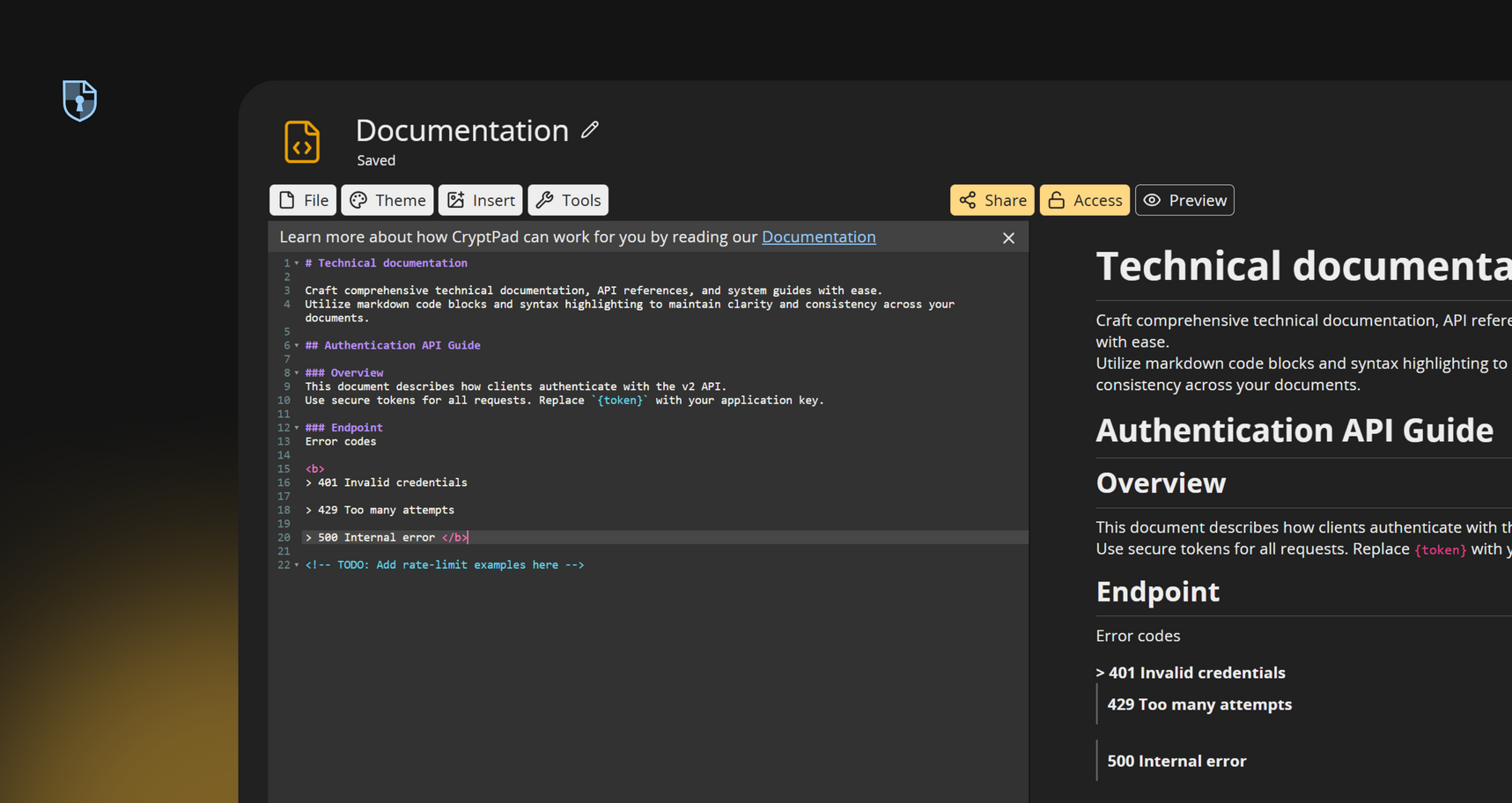
Craft comprehensive technical documentation, API references, and system guides with ease. Utilize markdown code blocks and syntax highlighting to maintain clarity and consistency across your documents.
Develop and manage web content efficiently. Whether you're building static websites, blogs, or online manuals, CryptPad Code's Markdown editor app ensures your content is structured and easily convertible to HTML.
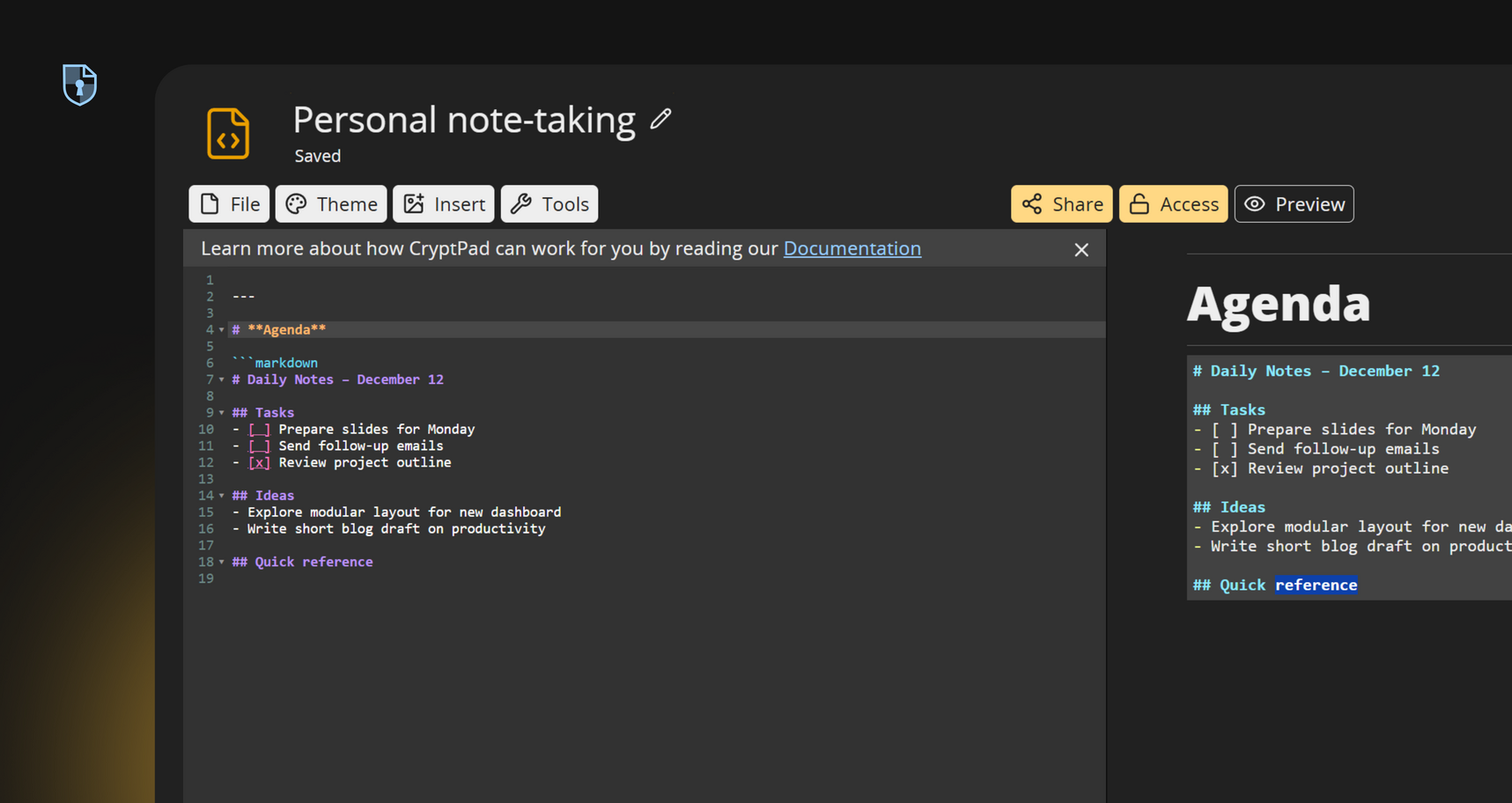
Organize thoughts, to-do lists, and meeting notes using markdown's straightforward syntax. With CryptPad Code, notes remain private, accessible only to you and those you choose to share them with.
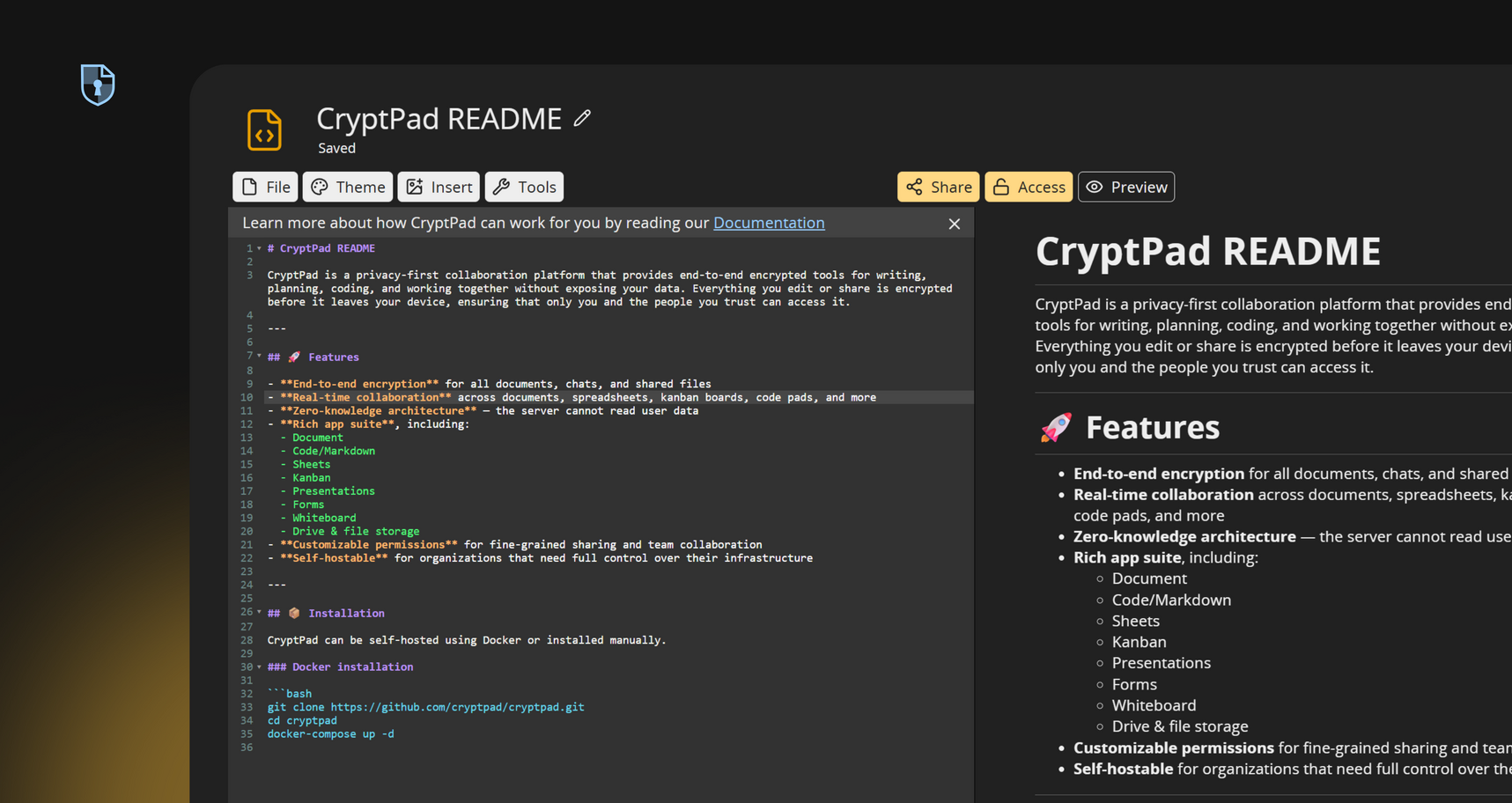
Document codebases, create README files, and maintain changelogs. CryptPad Code/Markdown supports markdown source code editing, making it a reliable tool for developers seeking a secure environment for their documentation needs.
Subscribe for more space and bigger uploads while your drafts stay encrypted by default.
Subscribe on cryptpad.frWhether you're writing documentation, creating technical notes, or editing code snippets, this tool offers a clean, encrypted workspace for developers, educators, and teams. Insert Markdown code blocks, format text with headings and lists, and even use markdown math symbols for academic or scientific work. You can collaborate in real time, track edits through version history, and export your documents when needed. Whether you're drafting a README, taking meeting notes, or co-writing lessons, CryptPad Code gives you a fast, lightweight, and fully private markdown editor app that works from anywhere.
We asked users what they love about Code/Markdown
CryptPad is my stop solution for its rich text editor, being able to share online and that too without ever logging in. Its so easy to share docs, be it sheets, or docs or codes or presentation or markdown. It just works out of the box and one of my most important daily tools to improve productivity.
Niket Agrawal
That you can write compleatly anonymus. That there is a markdown option. In the hole big, i love all of CryptPad!
*****
CryptPad is just fantastic to share documents to collaborate on, or especially code together very comfortabely and easily. Thank you for providing this fantastic free service, it should be used by anybody not wanting to be surveilled by Microsoft etc.
Jonas
Works great with markdown. I like the code editing space. I was surprised there was so much in it. The forms are great, especially with the conditional options.
Good and Geeky
A privacy-first, end-to-end encrypted Web application is a rare treat these days. With a nice compact interface and amazing history display on a free/open code-base it's easy to love.
meejah
Other apps: